How Do Hackers Get Your Passwords?
The Digital Keys to Our Lives
In our increasingly digital world, passwords are the gatekeepers to our online lives. They protect our bank accounts, social media profiles, personal emails, and sensitive work documents. But have you ever stopped to think about how easily these digital keys can be compromised? Hackers employ a variety of methods, ranging from surprisingly simple to highly advanced, to get their hands on your precious passwords. Understanding these tactics is the first step in fortifying your own defenses.
Commonly Exploited Vulnerabilities
Many password breaches aren't the result of a single, complex hack. Instead, they exploit common human errors and readily available tools. Let's explore some of the most prevalent methods:
Phishing and Social Engineering
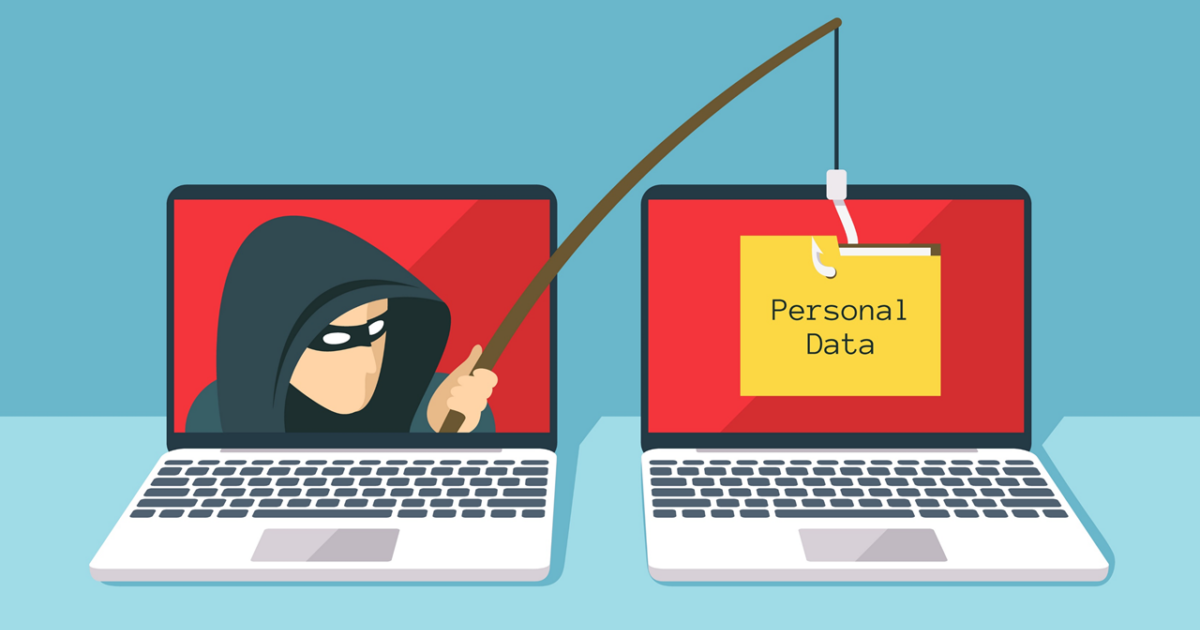
Perhaps the most widespread and effective method is phishing. This involves tricking individuals into revealing their credentials, often by impersonating legitimate organizations or individuals. Phishing attacks can take many forms:
- Email Phishing: You might receive an email that looks like it's from your bank, a popular online retailer, or even a government agency. This email often contains a sense of urgency, urging you to click a link to 'verify your account,' 'update your payment information,' or 'claim a prize.' The link, however, leads to a fake login page designed to mimic the real one. When you enter your username and password, it's sent directly to the hacker.
- Spear Phishing: A more targeted version of phishing, spear phishing involves tailoring the attack to a specific individual or group. Hackers will research their targets, using information gleaned from social media or previous data breaches, to create highly convincing messages. For example, an email might reference a recent project or a colleague's name, making it seem more credible.
- Vishing (Voice Phishing): This involves using phone calls to trick victims. Hackers might impersonate tech support, a credit card company, or even law enforcement, demanding personal information or asking you to install remote access software that allows them to steal your passwords.
- Smishing (SMS Phishing): Similar to email phishing, but delivered via text messages. These messages often contain links to malicious websites or prompt you to call a fraudulent number.
Social engineering plays a crucial role in all these attacks. It's about manipulating people's trust and emotions to gain access. Hackers exploit our desire to be helpful, our fear of missing out, or our panic in urgent situations.
Malware and Keyloggers
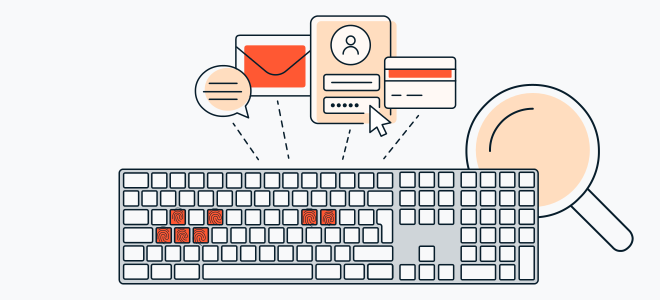
Another significant threat comes from malicious software, or malware. Once installed on your device, malware can operate in the background to steal your information.
- Keyloggers: These are a type of malware specifically designed to record every keystroke you make. As you type your username and password into a website or application, the keylogger captures it and sends it back to the hacker. Keyloggers can be installed through malicious email attachments, infected downloads, or even by visiting compromised websites.
- Spyware: Broader than keyloggers, spyware can monitor your online activity, capture screenshots, and collect sensitive data, including passwords stored in your browser or entered into forms.
- Trojans: These malicious programs disguise themselves as legitimate software. Once installed, they can create backdoors into your system, allowing hackers to access your files and steal credentials.
Getting malware onto a victim's device often starts with social engineering, such as convincing them to download an 'essential' software update or open an 'important' document.
Brute-Force and Dictionary Attacks
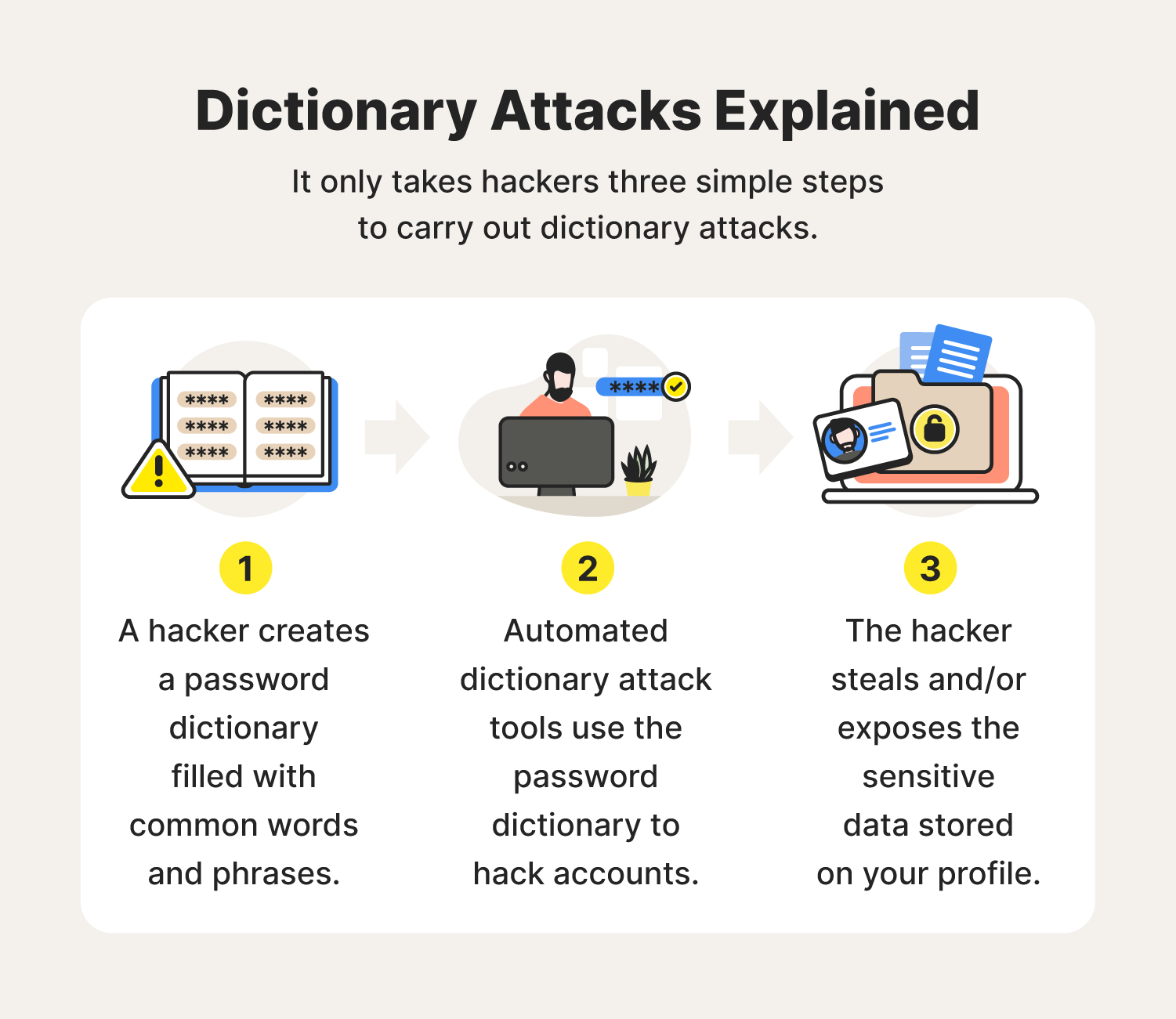
These methods involve systematically trying different combinations of characters to guess a password. While they might sound less sophisticated, they can be surprisingly effective, especially against weak or commonly used passwords.
- Brute-Force Attacks: These involve using automated software to try every possible combination of letters, numbers, and symbols until the correct password is found. This can take a very long time, especially for complex passwords, but for simple ones, it can be a matter of minutes or hours.
- Dictionary Attacks: A variation of brute-force, dictionary attacks use a pre-compiled list of common words, phrases, and likely password combinations (e.g., 'password123', 'qwerty', '123456'). This is faster than a pure brute-force attack because it targets the most probable options first.
The effectiveness of these attacks is directly proportional to the weakness of the password. This is why strong, unique passwords are so critical.
Credential Stuffing and Password Reuse
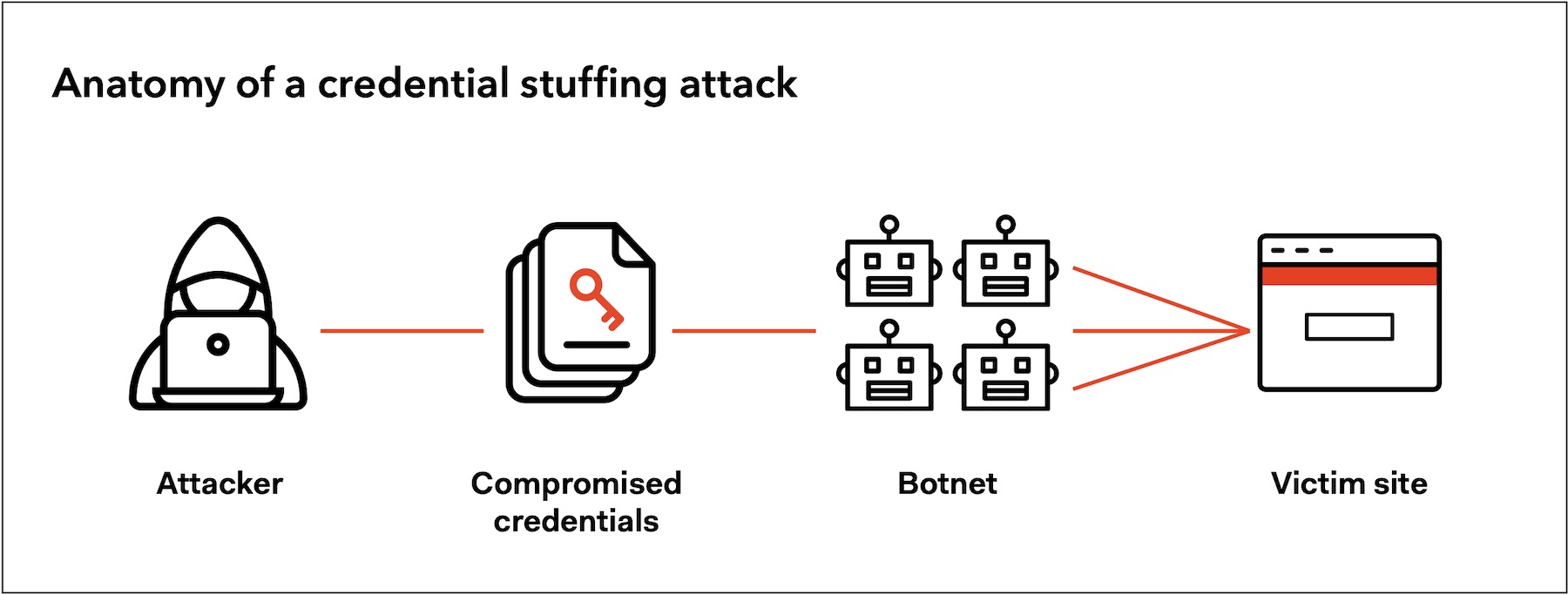
This is where the interconnectedness of our online lives can become a vulnerability. Many people reuse the same password across multiple websites and services. When a data breach occurs on one site and a hacker obtains a list of usernames and passwords, they can then try those same credentials on other popular platforms.
- Credential Stuffing: Hackers take lists of stolen usernames and passwords from one breach and 'stuff' them into login forms on other websites. If a user has reused their password, the hacker gains access to that account as well. This is a highly efficient way for hackers to compromise many accounts quickly, as they don't need to crack individual passwords.
The sheer volume of data breaches means that password reuse is an incredibly dangerous habit. A breach on a minor forum could lead to the compromise of your email or banking account if you've used the same password.
Other Advanced Techniques
Beyond the common methods, hackers also employ more sophisticated techniques:
- Man-in-the-Middle (MitM) Attacks: These occur when a hacker intercepts communication between two parties, such as your device and a website. They can eavesdrop on your traffic and potentially steal data, including login credentials, especially on unsecured Wi-Fi networks.
- SQL Injection: This is a web security vulnerability that allows an attacker to interfere with the queries that an application makes to its database. By inserting malicious SQL code into input fields, hackers can sometimes extract sensitive data, including usernames and passwords, directly from the database.
- Exploiting Software Vulnerabilities: Hackers constantly look for 'zero-day' vulnerabilities – flaws in software that are unknown to the developers. Exploiting these can give them deep access to systems and data.
Protecting Yourself: The Best Defense
Understanding how hackers operate is empowering. The good news is that you can significantly reduce your risk by adopting good cybersecurity practices:
- Use Strong, Unique Passwords: Avoid common words, personal information, and sequential numbers. Aim for a mix of uppercase and lowercase letters, numbers, and symbols. Use a different password for every online account.
- Enable Two-Factor Authentication (2FA): This adds an extra layer of security by requiring a second form of verification (like a code sent to your phone) in addition to your password.
- Be Wary of Phishing Attempts: Never click on suspicious links or download attachments from unknown senders. Always verify the legitimacy of requests for personal information.
- Keep Software Updated: Regularly update your operating system, web browsers, and all other software to patch security vulnerabilities.
- Use a Password Manager: These tools generate and store strong, unique passwords for all your accounts, making it easier to manage them without having to remember them all.
- Be Cautious on Public Wi-Fi: Avoid accessing sensitive accounts or performing financial transactions on unsecured public Wi-Fi networks. Consider using a Virtual Private Network (VPN).
By staying informed and proactive, you can build a robust defense against these common password-stealing tactics and keep your digital life secure.
Frequently Asked Questions
Is this guide beginner friendly?
Yes. This tutorial is written step-by-step for beginners.
Does this work in 2026?
Yes. This article is updated regularly with latest changes.
Where can I learn more?
Browse more tutorials on LoopGuy.





Comments (0)
No comments yet. Be the first to comment!
Leave a Comment