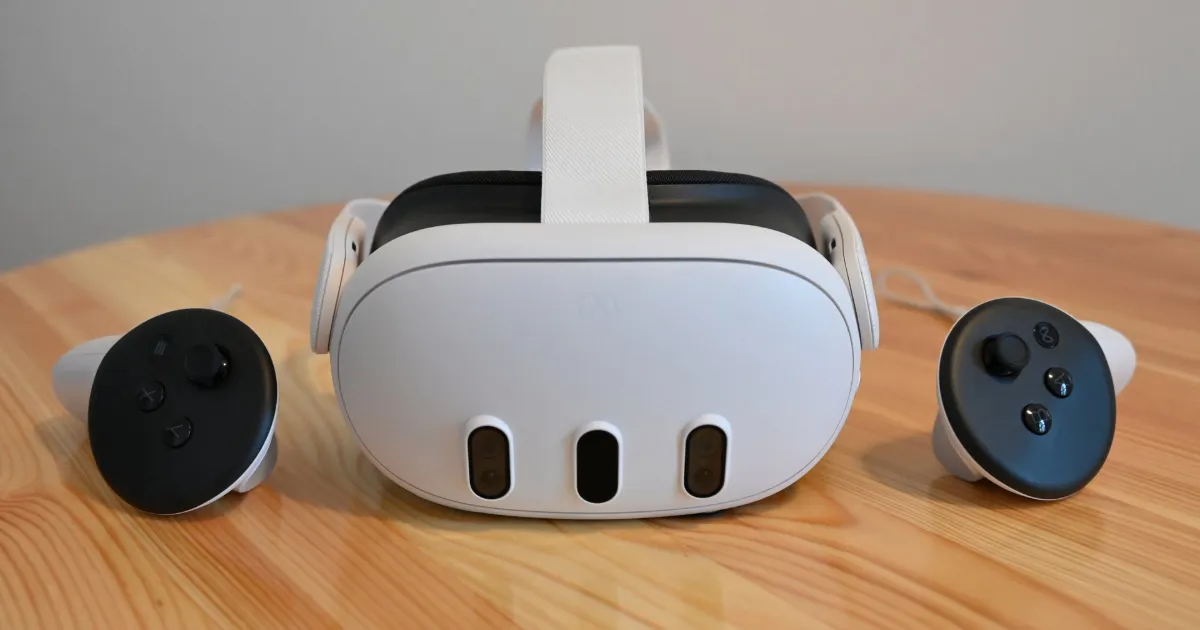
Meta Quest 3 Review – Price, Features & Real-World Performance
Meta Quest 3 – The VR Headset That Finally Feels “Ready”
Every now and then, a device comes along that doesn’t try to impress you with fireworks—it simply solves problems that earlier versions left behind. That’s exactly what the Meta Quest 3 feels like. It doesn’t reinvent VR, but it gives the sense that VR is finally mature enough for everyday users, not just enthusiasts.
At first glance, the Quest 3 looks familiar—same general silhouette, same standalone structure—but once you put it on, the differences begin to appear quietly, almost respectfully. The headset is lighter, trimmed around the edges, and noticeably more comfortable for longer sessions. And that comfort makes a bigger difference than most launch trailers ever admit.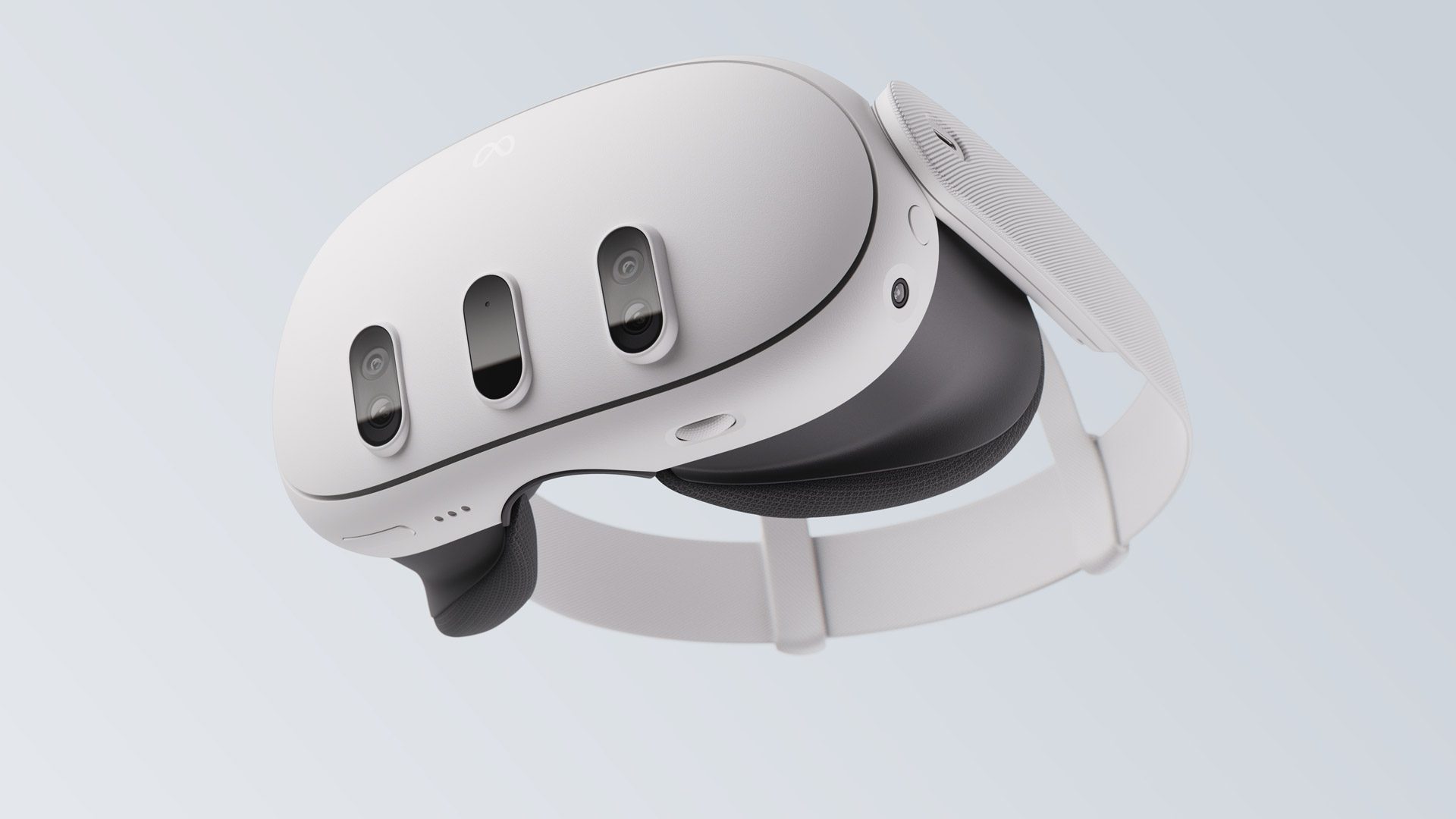
A Design That Understands Human Faces Better Than Before
Meta didn’t exactly redesign the headset from the ground up, but the refinements land in all the right places. The face gasket is softer. The strap doesn’t fight you. The weight doesn’t pull your forehead forward after 20 minutes. These aren’t big show-off features; they’re subtle quality-of-life improvements you only appreciate once you go back to an older model and realize how stiff it feels.
The Quest 3 takes the “wearable” part of wearables seriously this time, and it shows.
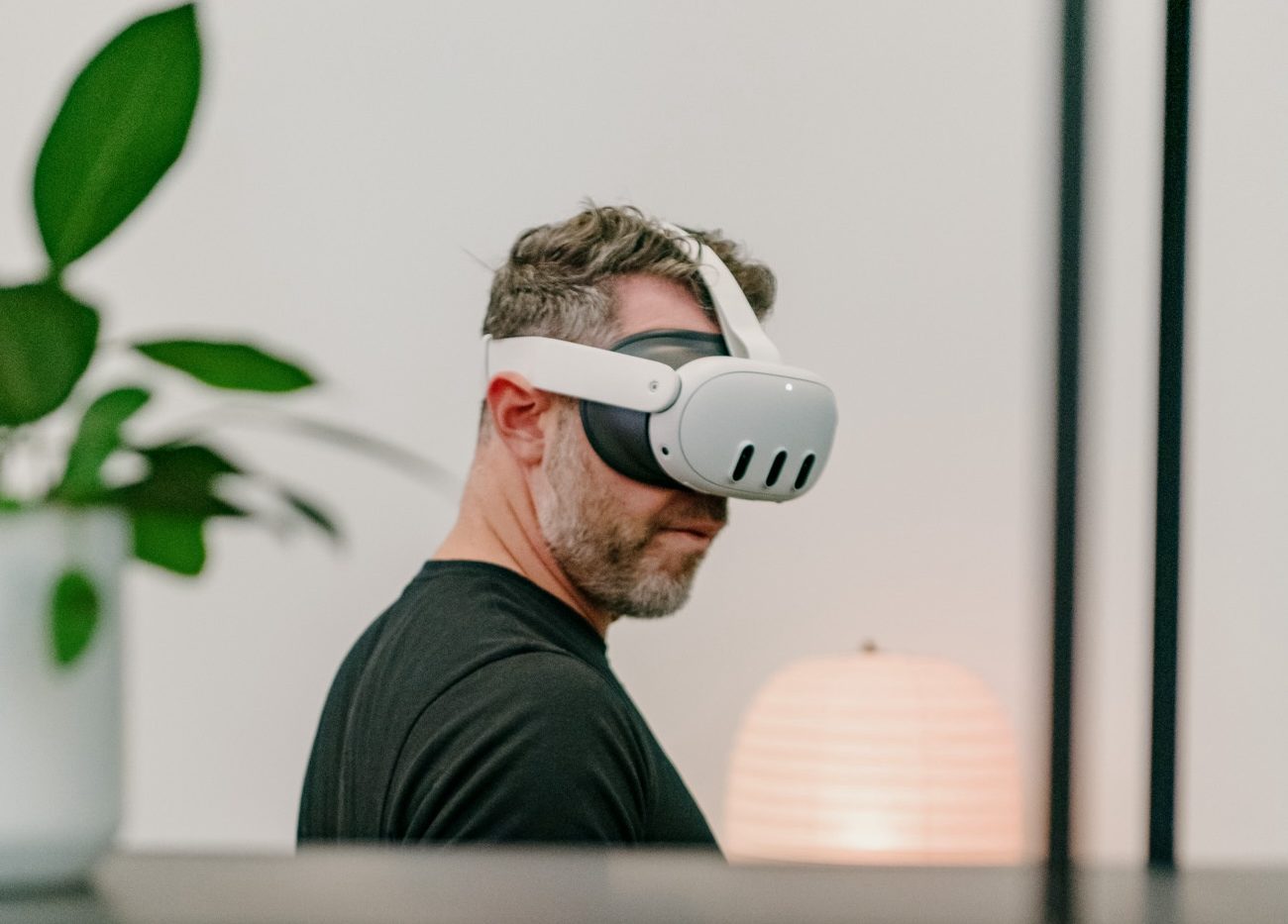
A Display and Optics Upgrade You Can Actually Feel
The displays on the Meta Quest 3 aren’t just higher resolution—they're cleaner. Colors are less washed out, text is sharper, and the sweet spot (that tiny area where everything looks perfectly focused) is bigger than before. Thanks to the pancake lenses, the image clarity remains consistent even when your headset isn’t positioned with surgeon-level precision.
If the Quest 2 felt like looking at VR through a window, the Quest 3 feels like someone opened the window.
Performance That Makes VR Finally… Smooth
Powered by the Snapdragon XR2 Gen 2 chip, the Quest 3 barely breaks a sweat when handling modern VR titles. Load times feel shorter, frame rates are steadier, and those annoying “micro-lags” that used to happen in fast-moving games have almost vanished.
The jump in responsiveness is so noticeable that you might find yourself revisiting older VR games just to see how clean they look now.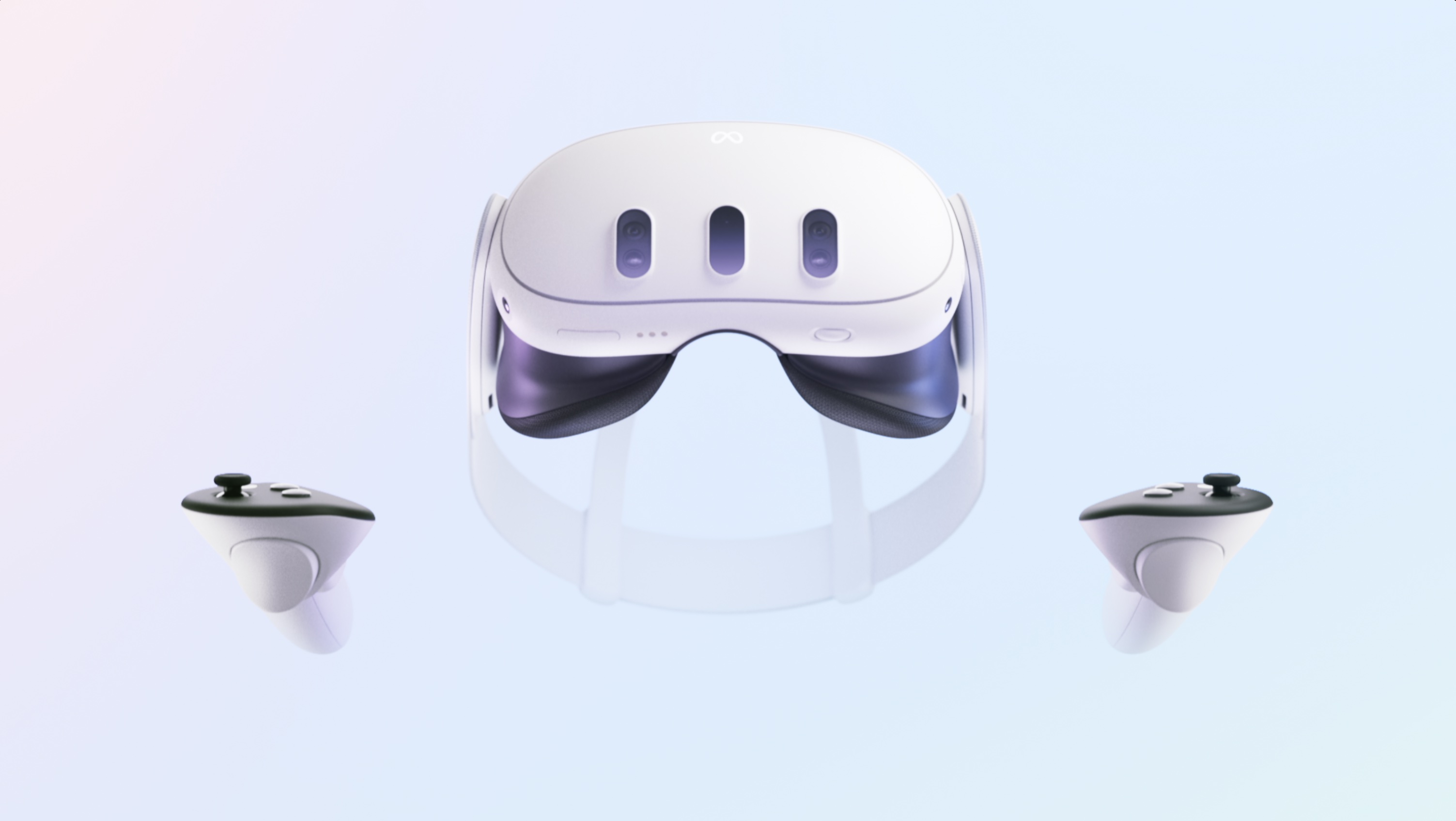
Mixed Reality That’s More Than a Gimmick This Time
The biggest leap here is Meta’s full-color passthrough. Instead of the grainy grayscale feed from the Quest 2, you now get a surprisingly usable mixed-reality view.
You can:
-
see your room clearly
-
walk around without removing the headset
-
play MR games that blend into your actual environment
-
stack virtual objects on real tables
-
and even use apps while interacting with physical objects
It’s the first time mixed reality feels like something that isn’t just a tech demo.
Controllers That Feel More Natural
The Quest 3 loses the iconic tracking ring, making the controllers look more compact and “normal.” The tracking accuracy has improved too, and the haptics feel sharper—and, honestly, more helpful. Small vibrations aren’t just feedback; they’re part of the storytelling inside games.
Hand tracking has also gotten better, though it still feels like a feature that depends on the game more than the headset.
Price Overview – Meta Quest 3
A clean, human-style price table:
| Variant | Storage | Price | Notes |
|---|---|---|---|
| Base Model | 128GB | $499 | Best choice for most users |
| Higher Variant | 512GB | $649 | For large VR libraries and heavy MR use |
Prices may shift depending on seasonal deals and regional availability.
Key Features Snapshot
-
High-resolution display with pancake lenses
-
Comfortable, lightweight frame with redesigned strap
-
Mixed reality passthrough in full color
-
Snapdragon XR2 Gen 2 processor
-
Improved controllers with better haptics
-
Larger library of VR and MR titles
-
Wireless, standalone operation (no PC needed)
-
Optional PC VR support via cable or Air Link
-
Better cooling, quieter operation
-
More accurate room mapping
Who Is the Meta Quest 3 Really For?
The Quest 3 isn’t chasing hardcore VR purists who want thousand-dollar setups. Instead, it’s made for:
-
everyday users who want great performance without a PC
-
gamers looking for something fresh, immersive, and fun
-
fitness lovers who enjoy VR workouts
-
creators experimenting with 3D models and MR tools
-
anyone curious about VR but holding out for the “right moment”
And honestly, this feels like the right moment.
Frequently Asked Questions
Is this guide beginner friendly?
Yes. This tutorial is written step-by-step for beginners.
Does this work in 2026?
Yes. This article is updated regularly with latest changes.
Where can I learn more?
Browse more tutorials on LoopGuy.



Comments (0)
No comments yet. Be the first to comment!
Leave a Comment