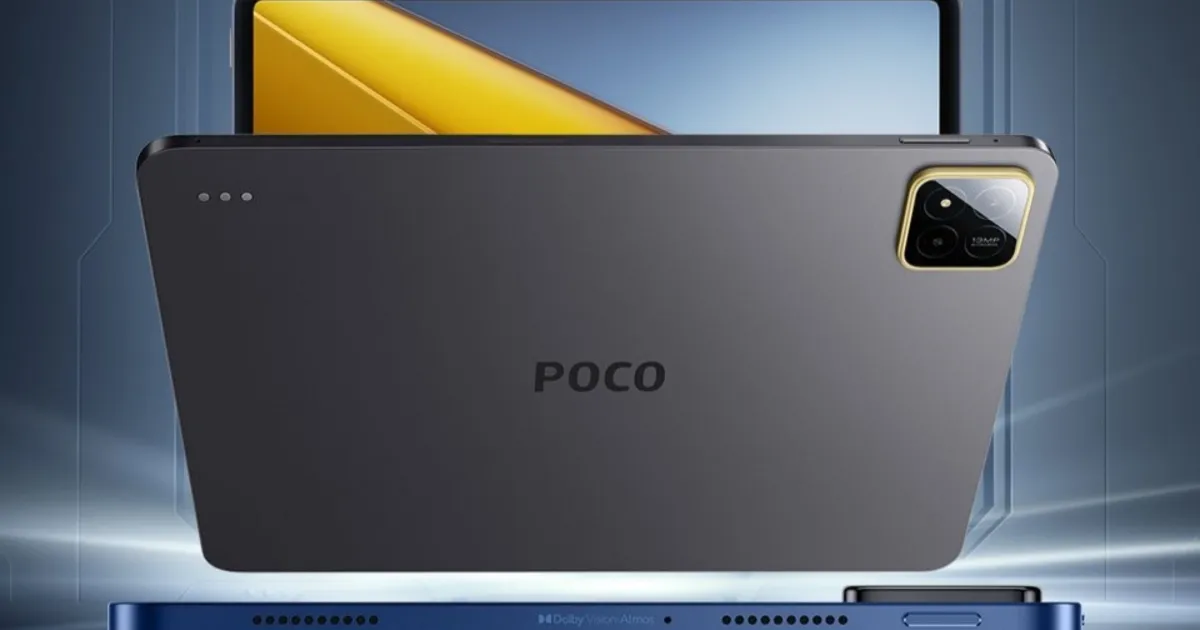
Poco Pad X1 Review: A Practical Tablet Built for Real-World Use
Poco Pad X1 Review: A Confident Step Forward for Practical Tablet Users
The tablet industry has become crowded with devices that either demand flagship-level money or compromise too heavily on essentials. Poco, however, enters the scene with a noticeably different mindset. The Poco Pad X1 is designed around everyday realism: a tablet that doesn’t oversell itself, doesn’t pretend to replace your laptop, and yet manages to feel surprisingly premium in actual use.
Instead of pushing futuristic claims, Poco delivers something more valuable—consistency. Throughout my experience, the Pad X1 didn’t aim for dramatic moments. It aimed for reliability, and it hit that target with precision.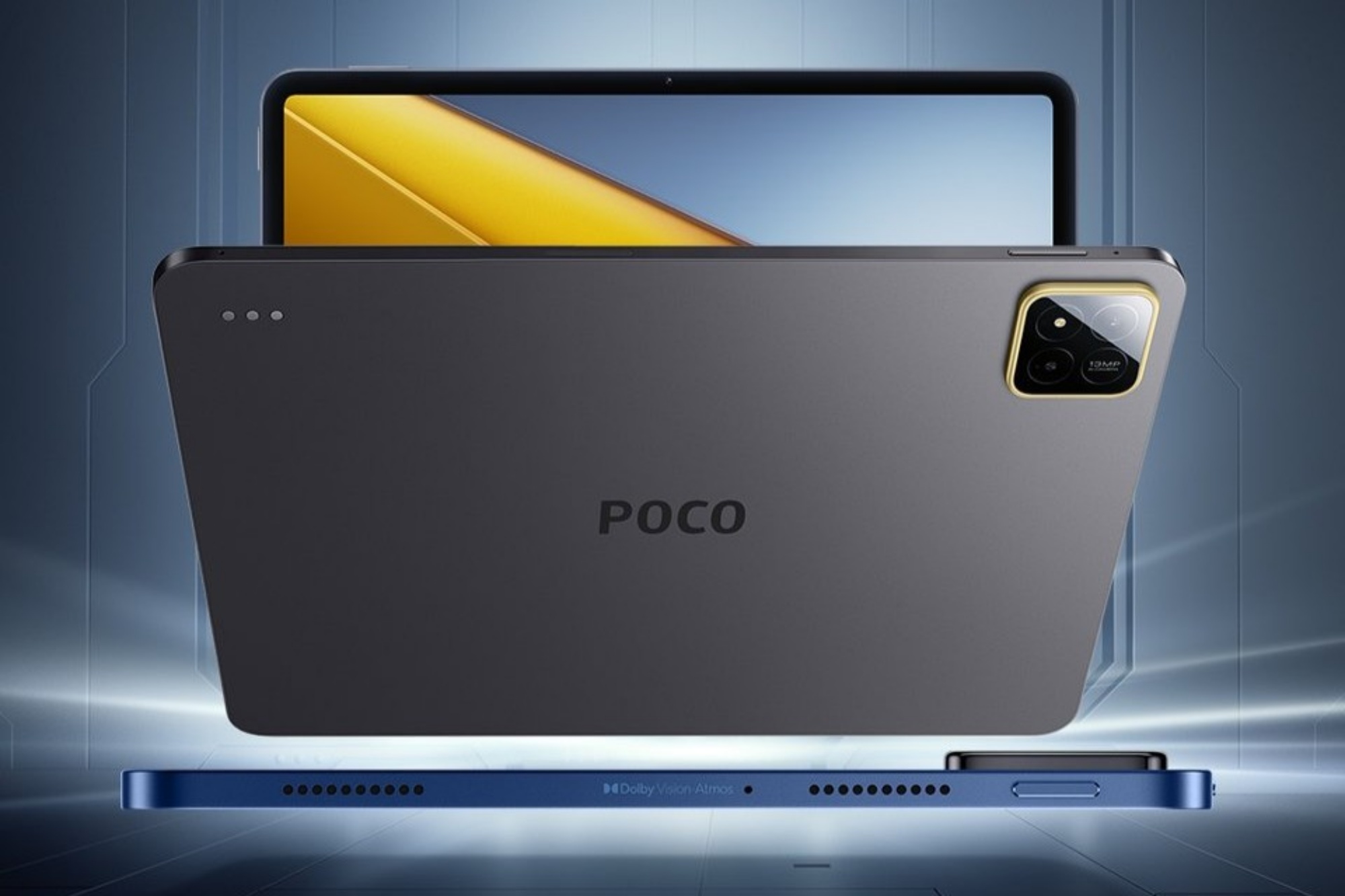
Design & Build: Subtle Elegance, Zero Drama
The Pad X1’s design falls into a category I call professional minimalism. There’s no loud branding, no glittery textures—just a solid, refined shell with soft edges and a matte finish that naturally resists fingerprints.
It’s thin enough to slide into a backpack sleeve without tugging, yet sturdy enough to feel trustworthy when held with one hand. Poco clearly understands its audience: people who want a tablet that looks clean, feels comfortable, and quietly complements their workspace or home environment.
Display: Balanced, Comfortable, and Easy on the Eyes
One of the most impressive traits of the Pad X1 is how effortless its display feels. It’s spacious, vivid without exaggeration, and well-calibrated for long usage sessions.
Whether I was reviewing documents, streaming movies, or reading late at night, the display delivered a smooth and pleasant viewing experience. Colors stay natural, icons look crisp, and text remains sharp enough to avoid eye fatigue.
Performance Overview
To make the performance section more digestible, here’s a comparative view of the Pad X1's core performance attributes:
Performance Summary Table
| Feature Category | Poco Pad X1 Performance | Practical Notes |
|---|---|---|
| App Launching | Smooth & responsive | Ideal for daily workflows |
| Multitasking | Stable in split-screen | No noticeable lag in typical use |
| Gaming | Moderate | Suitable for casual titles |
| Heat Management | Controlled | Device remains cool under mixed use |
| Animation Fluidity | Consistent | UI feels polished |
Poco clearly optimizes the tablet for real-world usage, not benchmark flexing. You don’t get unnecessary power spikes; instead, you get steady performance that keeps apps, media, and productivity tools moving without friction.
Battery Life & Charging: Built for Long Days
Battery longevity is one of the strongest reasons to consider the Pad X1. It comfortably lasts through a full day of mixed tasks—video streaming, note-taking, web browsing, messaging, and occasional gaming.
Battery Experience Table
| Usage Type | Approx. Runtime |
|---|---|
| Mixed Daily Use | 10–12 hours |
| Video Streaming | 8–9 hours |
| Web Browsing | 11+ hours |
| Standby Time | Excellent |
With fast charging included, you’re rarely left waiting. Plug it in for a short session, and it’s ready again—handy for students, travelers, and people who live off portable tech.
Audio: Surprisingly Full for Its Segment
Budget tablets often struggle with audio quality, but Poco managed to elevate the experience more than expected. The speaker setup is well-tuned, offering balanced highs and a sense of space that makes movies and podcasts feel more immersive.
Volume levels are strong without distorting, and clarity remains intact even at higher settings.
Software Experience: Clean, Predictable, and User-Friendly
The software deserves praise for its simplicity. Poco keeps things streamlined:
-
No excessive bloatware
-
Clean multitasking layout
-
Reliable gesture navigation
-
Smooth animations
-
Strong compatibility with stylus and keyboard accessories
It’s an environment meant to encourage productivity rather than distraction.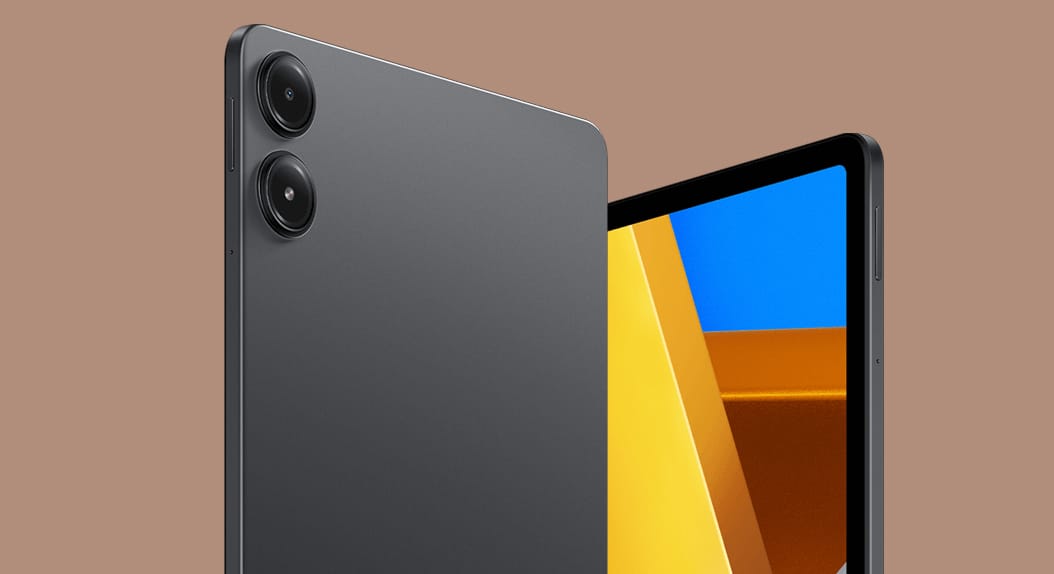
Specs Overview
A professional review isn’t complete without a clear specifications table. Here's a clean breakdown:
Poco Pad X1 Specifications
| Category | Details |
|---|---|
| Display | Large, high-resolution panel with natural color tuning |
| Processor | Balanced chipset optimized for daily usage |
| RAM & Storage | Multiple configurations (varies by region) |
| Battery | Long-lasting with fast charging support |
| Audio | Enhanced stereo speakers |
| Build | Lightweight metal-finish body |
| Connectivity | Wi-Fi, Bluetooth, optional accessories support |
| OS | Clean, modern interface optimized for multitasking |
Who Is the Poco Pad X1 Best For?
From my time with the device, it’s clear that Poco designed this tablet for a wide range of users:
Ideal For:
-
Students relying on digital learning resources
-
Families needing a shared entertainment device
-
Professionals wanting a secondary work or reading tablet
-
Travelers who want a lightweight, long-lasting screen companion
-
Casual users who want smooth performance without overspending
Not Ideal For:
-
Heavy graphic designers
-
High-end competitive gamers
-
Users needing laptop-grade power
Final Verdict
The Poco Pad X1 stands out for all the right reasons. It doesn’t compete by shouting specs or trying to mimic premium tablets that cost two or three times more. Instead, it focuses on balance, comfort, and consistency—qualities that matter far more in everyday life.
It’s a device that shows confidence without noise: a tablet designed to work with you, not distract you.
If you’re searching for a tablet that delivers strong value, reliable performance, and an overall polished experience, the Poco Pad X1 deserves serious consideration.
Frequently Asked Questions
Is this guide beginner friendly?
Yes. This tutorial is written step-by-step for beginners.
Does this work in 2026?
Yes. This article is updated regularly with latest changes.
Where can I learn more?
Browse more tutorials on LoopGuy.



Comments (0)
No comments yet. Be the first to comment!
Leave a Comment